Teams
Band Libraries
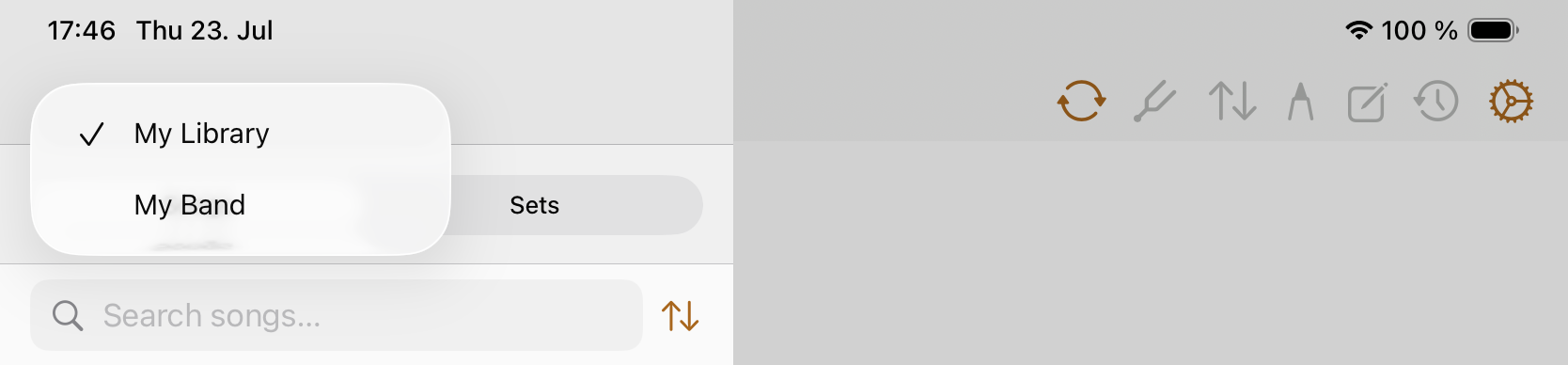
Band libraries keep songs and setlists separate from My Library and other band libraries, so collaboration does not overwrite material from another library.
Use My Library for personal material and a band library for charts that should be shared with a band. Copy songs explicitly when they need to be available in another library.
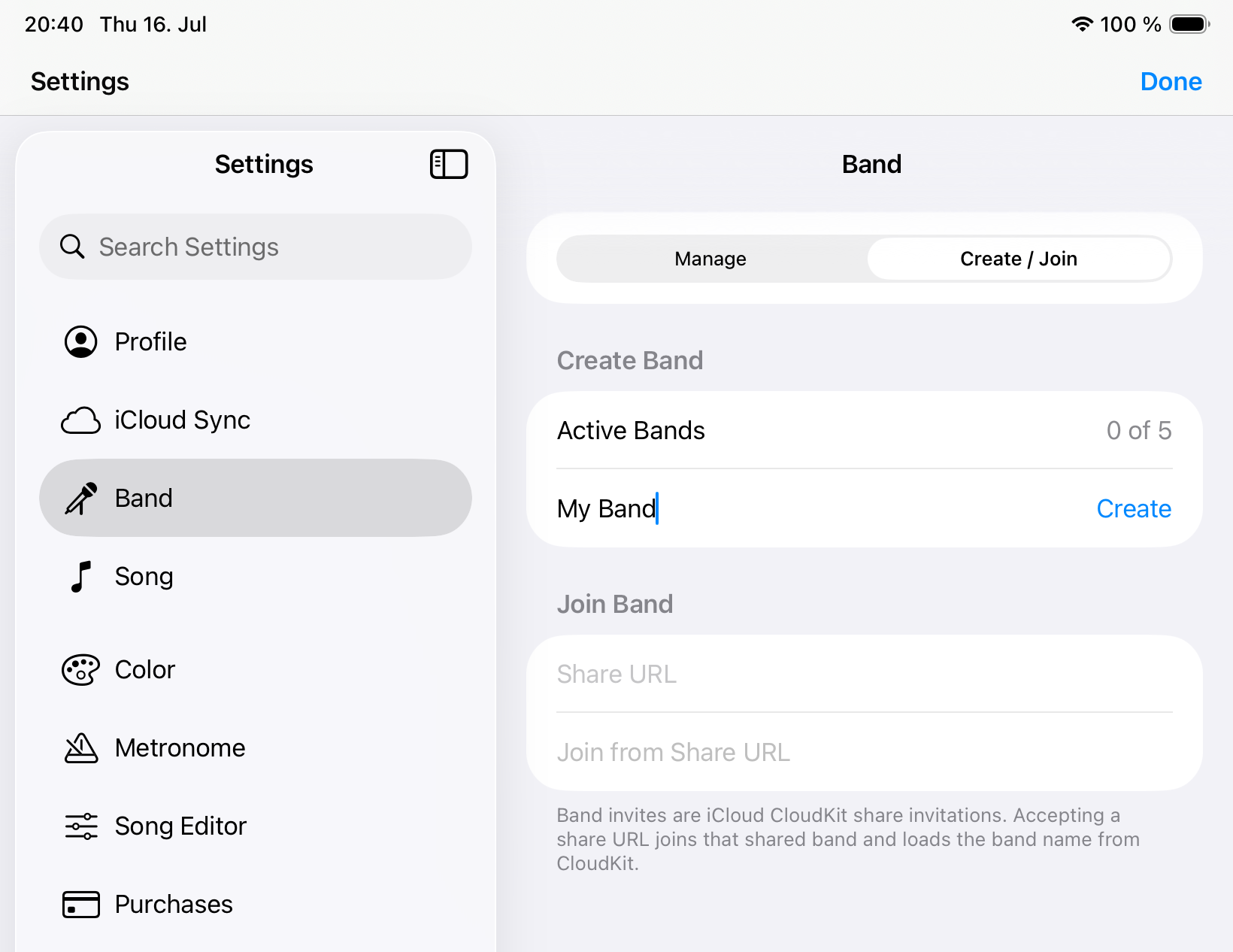
Create or join a band
- Open Settings and choose Band.
- Create a band when you are the leader, or join from an invite when another member created it.
- Select the band library before importing or copying shared songs.
- Use sync status and logs when shared changes do not appear yet.
- Confirm the active library before rehearsing so you do not edit a personal copy by mistake.
Shared library rules
- Band songs and setlists live in the selected band library.
- My Library and each band library remain independent.
- Songs move between libraries only through explicit copy actions.
- Leader-only deletion protects the shared band library from accidental removal.
- Band-song annotations stay private per user.
Active band limits
The free tier includes 5 active bands. Leaving or deleting a band frees an active band slot, and each €0.99 extra active-band purchase adds one more slot.
Access to band libraries
You can join and sync a shared band normally. When a shared band has more than 5 songs, its content requires a Yearly subscription or Lifetime unlock. This access rule is separate from the active-band limit; restore purchases or leave the band from the access prompt if needed.
Conflicts
Offline or concurrent shared edits can be marked “Conflict needs review.” Open the review flow and choose which local fields to keep versus the synced band version.