Performance
Live Performance
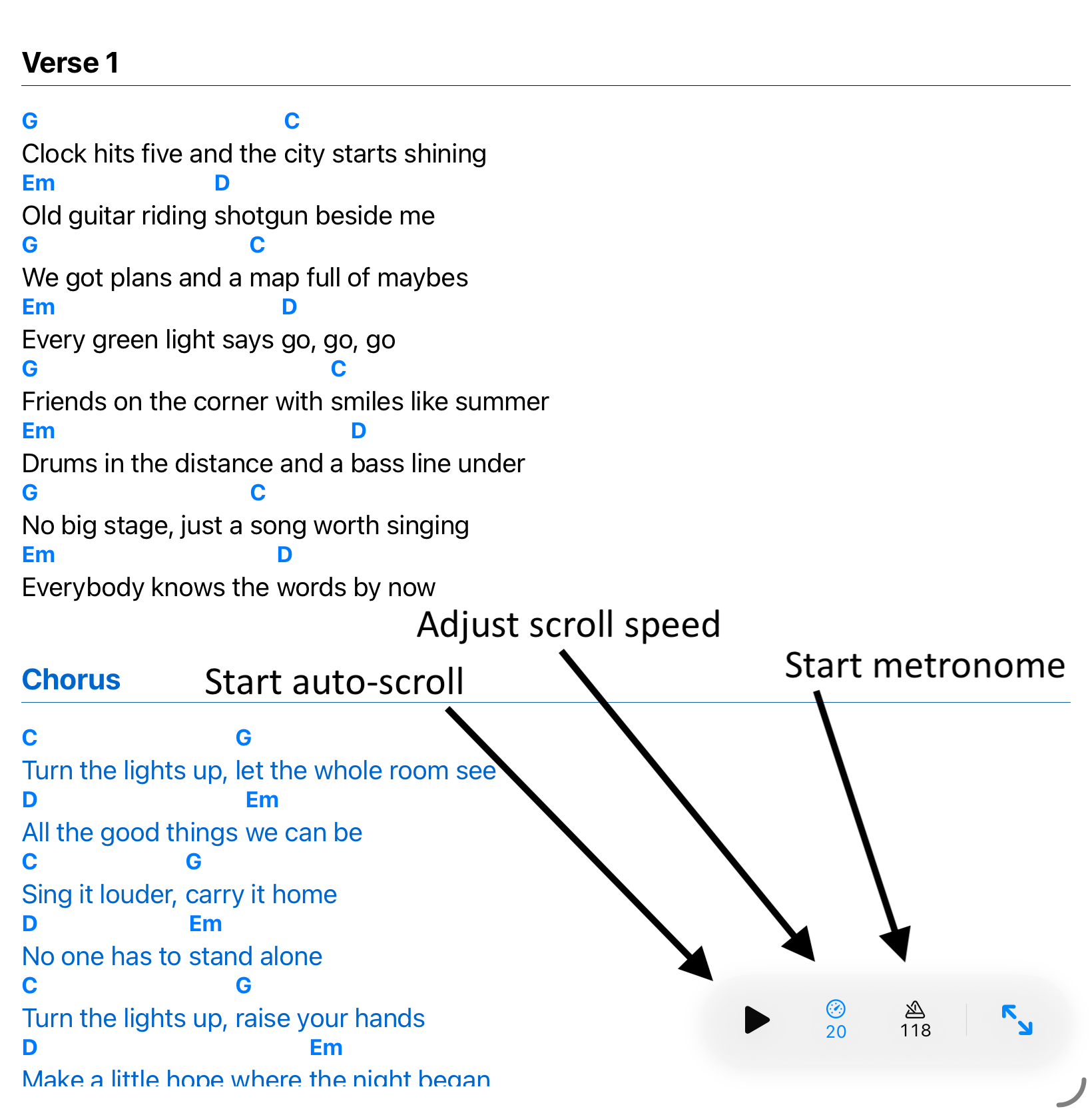
The live bar keeps auto-scroll, scroll speed, the metronome, full-screen, and setlist status within reach during a performance.
Use the live bar
- Adjust zoom, font size, and page layout (scroll vs. multi-page).
- Use the live bar to start auto-scroll, adjust its speed, and start or stop the metronome.
- Use the full-screen control to hide viewer controls during performance.