Share out
Exporting
Export options
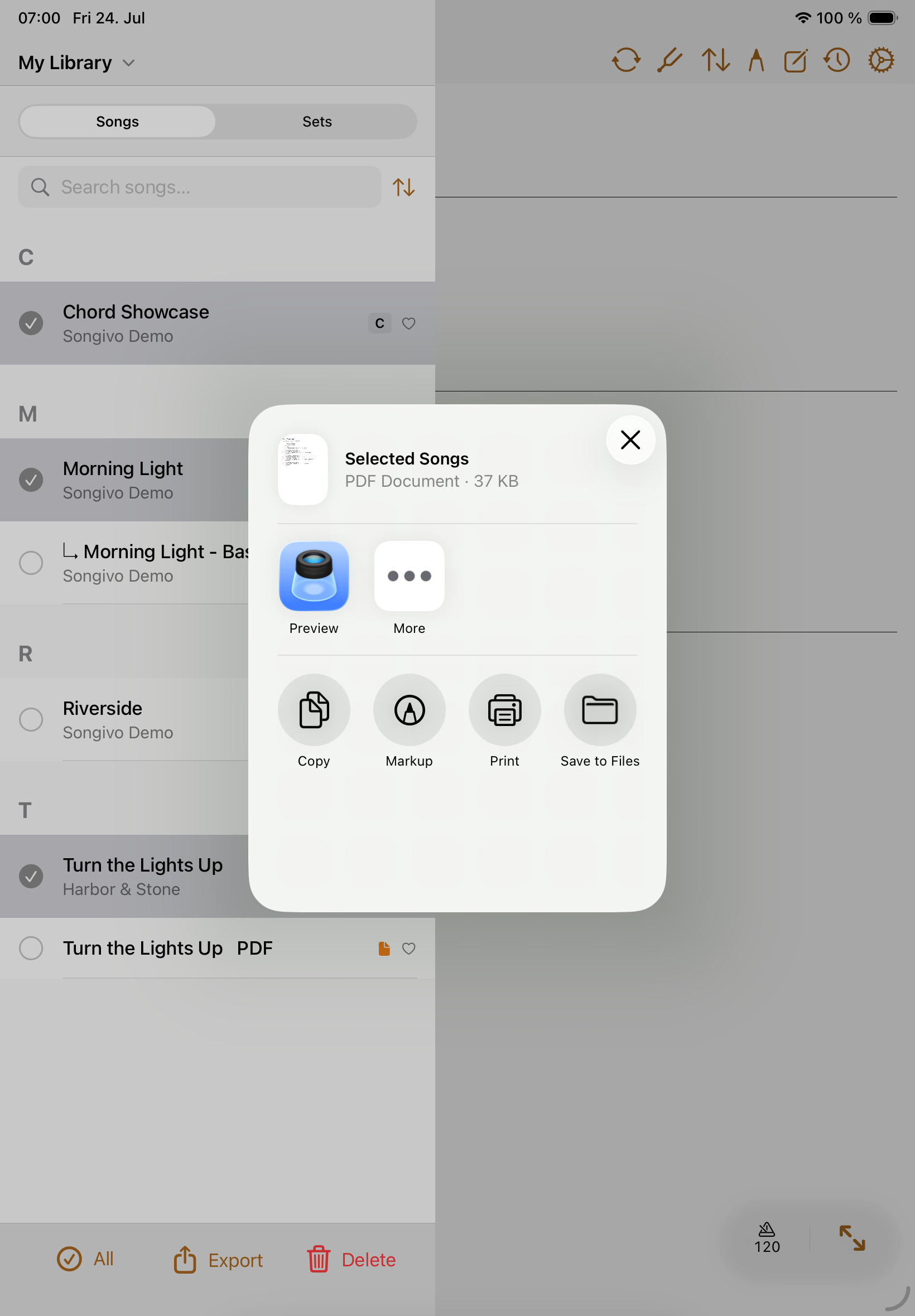
- Export the current song as PDF when one chart is needed outside Songivo.
- Export selected songs (long press a song to go into multi-selection) into one combined PDF.
- Export setlist summaries as text.
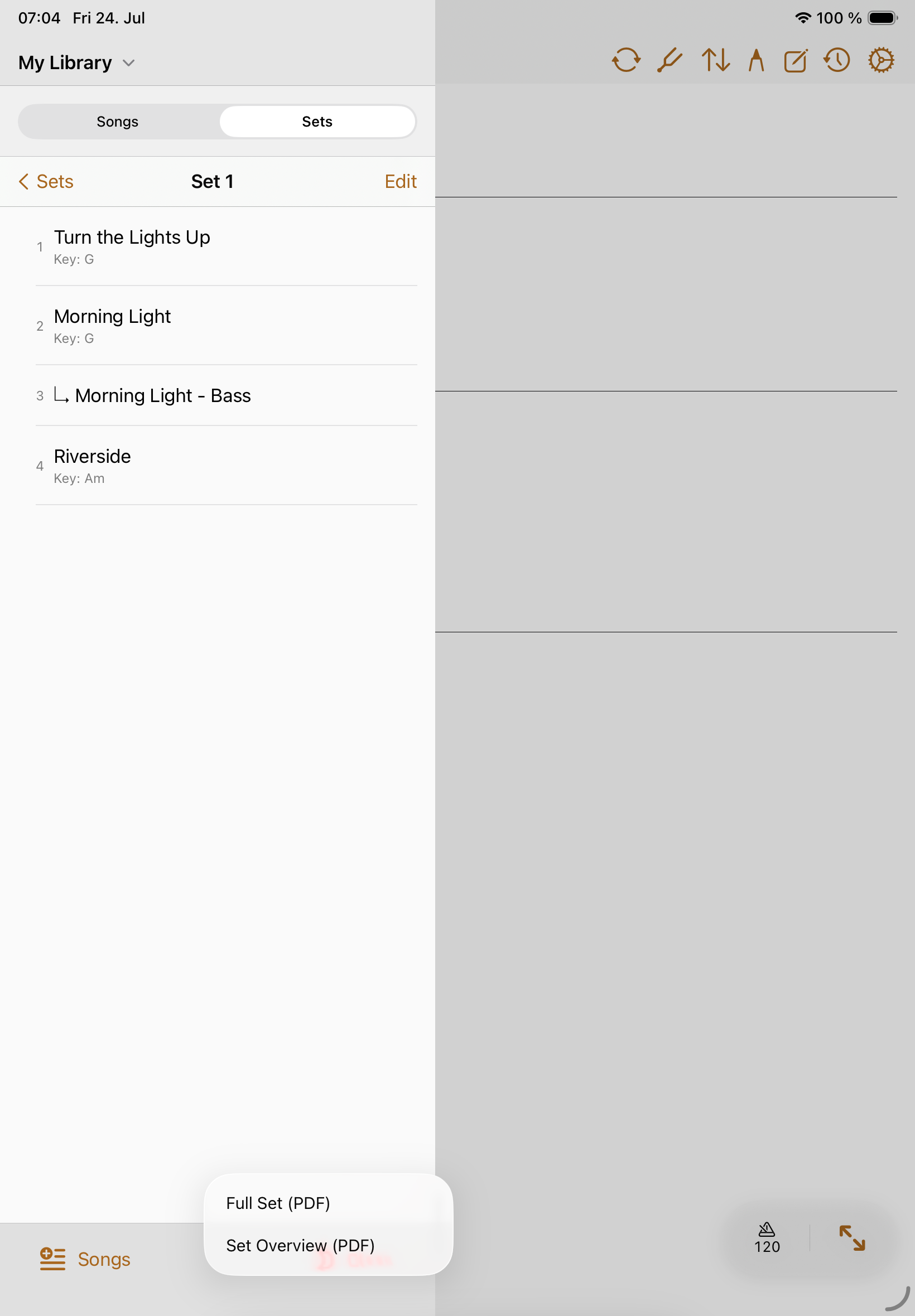
- Export a set overview or a full combined set PDF package.
Export a single song.
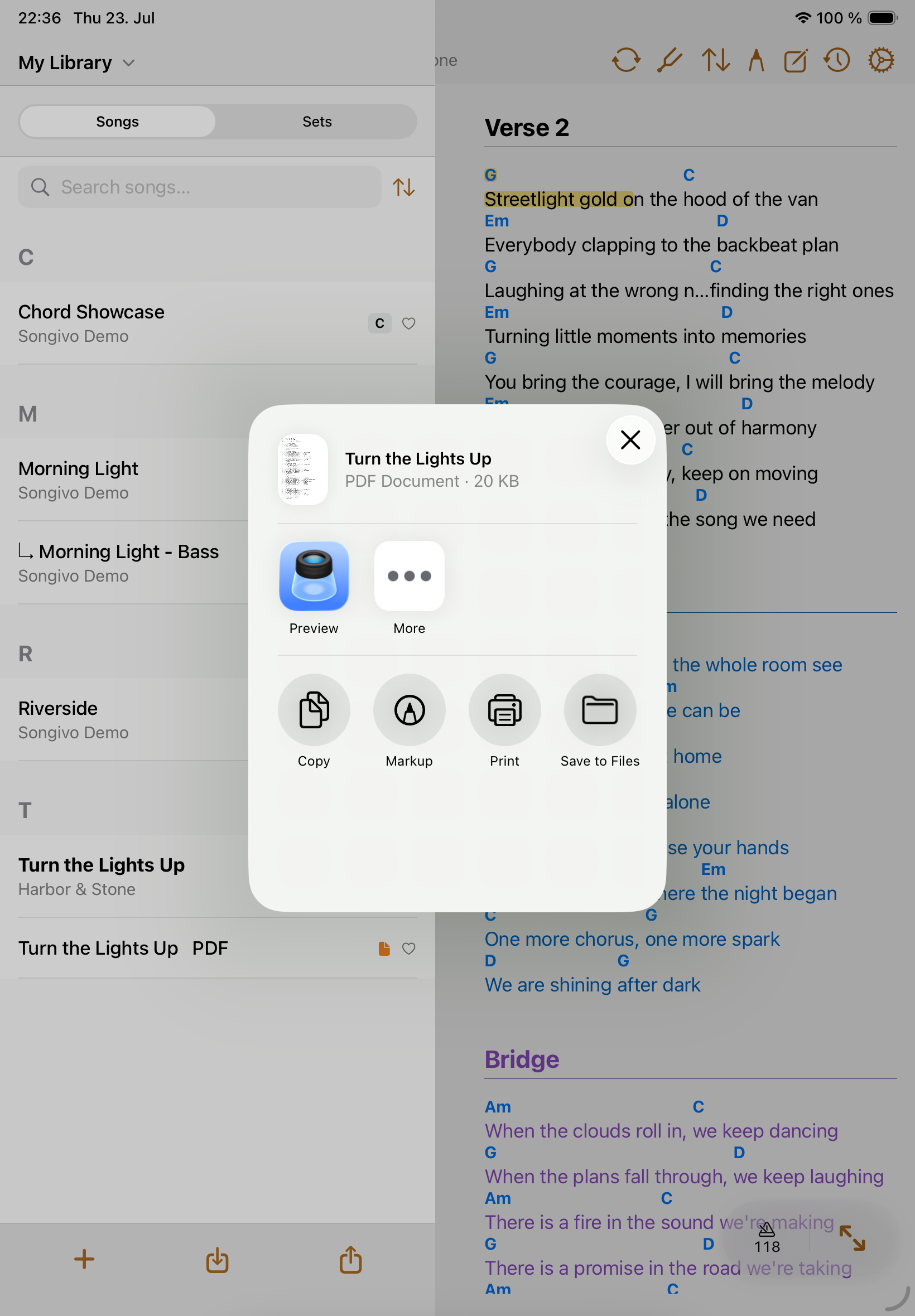
Export multiple songs.
Export a set
- Open the setlist.
- Choose the export action.
- Select Full Set to export song content, or Set Overview to export only the set overview.
- Review the exported PDF before distributing it.